
App development within the Apple ecosystem has evolved drastically. As an iOS Developer, your day-to-day is no longer just about thoroughly knowing Apple’s documentation or memorizing the platform’s design patterns. The arrival of artificial intelligence has changed the rules of the game, turning software creation into a much more agile, creative, and efficient process. At the core of this revolution are LLMs.
In this extensive tutorial designed for developers, we will deeply explore exactly what an LLM is, how it is impacting the Swift coding landscape, and analyze in detail what the best LLMs for Swift programming are today. If you are looking to boost your workflow when developing for iOS, macOS, and watchOS using Xcode and SwiftUI, this guide is specifically designed for you.
What is an LLM and Why is it Changing Apple Development?
The acronym LLM stands for Large Language Model. In simple terms, it is an artificial intelligence system based on deep learning neural networks, specifically the Transformer architecture. These models have been trained on massive amounts of text, including millions of lines of code from public repositories, programming forums, and official documentation.
For an iOS Developer, an LLM is not just a “general-purpose chatbot”. It is an advanced programming assistant that “understands” the syntax, semantics, and structural paradigms of programming languages.
The Impact on Swift Programming and SwiftUI
Swift programming is known for being safe, fast, and modern. However, with the introduction of SwiftUI, the paradigm shifted from an imperative model (UIKit) to a declarative one. This mindset shift can be challenging, especially when it comes to handling view states, modern Swift concurrency, or complex animations.
This is where LLMs shine. A well-trained model can understand the intent behind your UI design and suggest the correct declarative structure. Furthermore, LLMs can:
- Explain cryptic compiler errors from Xcode.
- Suggest refactoring to make your code more efficient and readable.
- Assist in migrating legacy Objective-C or UIKit code to the modern paradigm.
- Generate robust unit test cases to ensure the stability of your apps on watchOS, macOS, or iOS.
The Top 5 LLMs for Swift Programming
When choosing an artificial intelligence tool for your day-to-day, not all models offer the same results. Some excel in logical reasoning, others in generating visual interfaces, and others in their direct integration with the development environment.
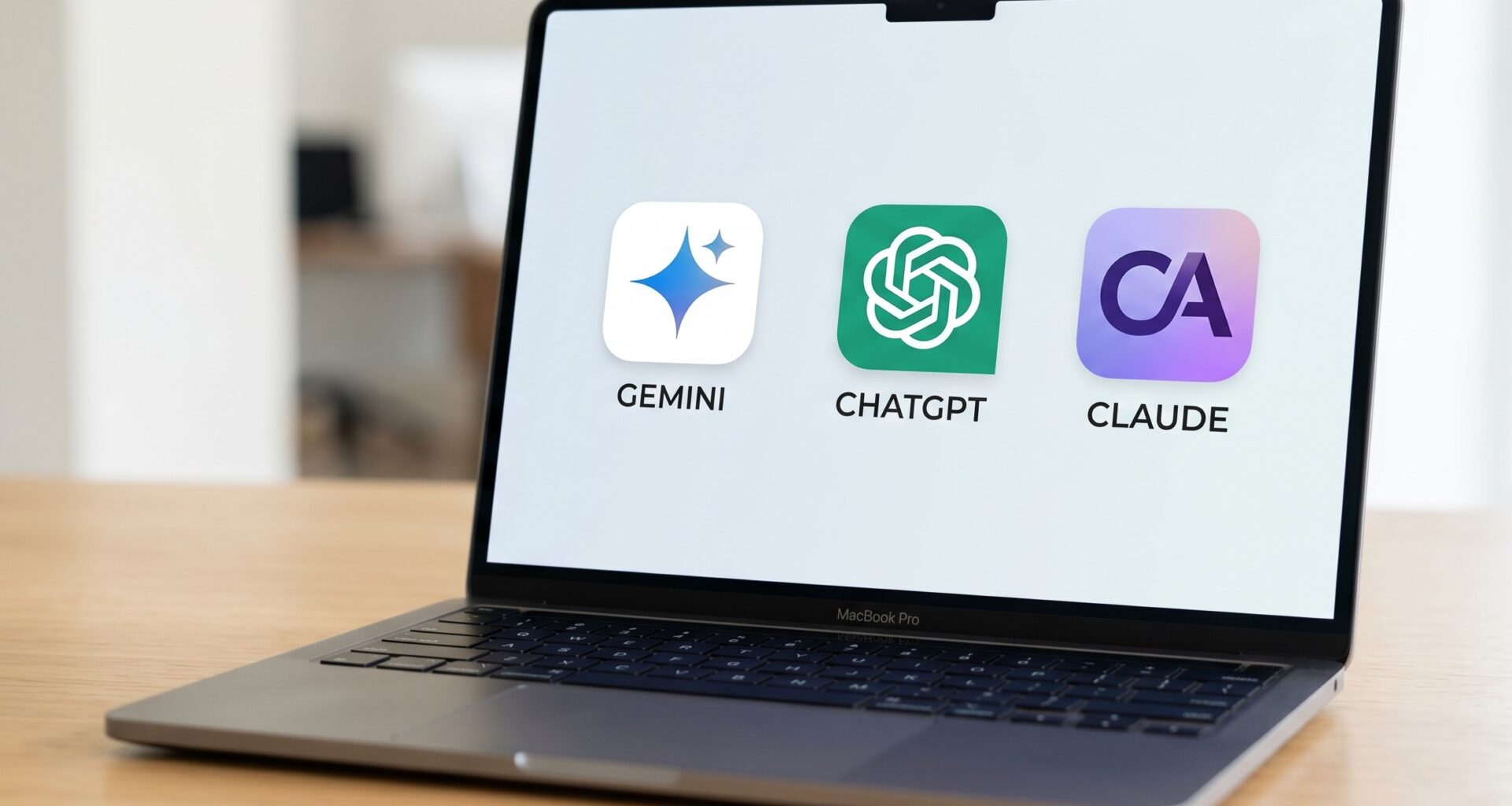
Below, we thoroughly analyze the five most powerful options on the market, covering the three industry titans (Claude, ChatGPT, and Gemini) and two highly relevant additional options for the Apple ecosystem.
1. Claude (Anthropic): The Master of SwiftUI
Claude, especially in its Claude 3.5 Sonnet version, has quickly earned the reputation of being the favorite model for many frontend and mobile developers. Anthropic has refined its model to have an exceptional understanding of declarative architectures.
Operation and Capabilities: Claude stands out for its analytical capability and its natural, technical writing style. When you present it with a complex architecture problem in a macOS or iOS app, Claude doesn’t just give you the solution; it breaks down the “why” behind the decision. Its handling of SwiftUI modifiers and state management (like property wrappers) is astonishingly accurate, avoiding the typical compilation errors that other models often make by inventing non-existent properties.
Ease of Integration with Xcode: Currently, Claude is primarily used through its web interface or third-party apps that consume its API. Although it does not have an official native plugin that installs directly into Xcode with one click, many developers use desktop apps or keyboard shortcuts on macOS to invoke Claude as a sidekick assistant. Its massive context window allows you to copy and paste entire files or even complex folder architectures for it to analyze without losing the thread of the conversation.
2. ChatGPT (OpenAI): The All-Terrain Companion
ChatGPT, powered by its most advanced models like GPT-4o, is arguably the most well-known AI tool in the world. Its popularity in the Apple developer community is more than justified due to its vast knowledge base.
Operation and Capabilities: ChatGPT’s strong suit is its versatility in Swift coding. It has been trained on a colossal amount of StackOverflow discussions and GitHub repositories. This makes it exceptionally good at solving traditional Swift programming problems, such as handling CoreData, complex URLSession configurations, or implementing architectural patterns like MVVM or VIPER. Additionally, its data and image analysis capabilities allow you to upload screenshots of the Xcode view hierarchy (View Debugger) or error messages, and ChatGPT will guide you to fix them.
Ease of Integration with Xcode: Like Claude, direct and official OpenAI integration within Xcode does not exist due to historical restrictive policies of Apple’s IDE. However, the official ChatGPT app for macOS offers a desktop integration mode that allows you to summon the chat over any window, including Xcode. Additionally, there are multiple open-source extensions that use the OpenAI API to create rudimentary integrations in the Apple editor, allowing code generation from comments.
3. Gemini (Google): The King of Massive Context
Gemini, specifically in its Gemini 1.5 Pro version, has introduced a revolutionary feature for large-scale software development: a massive context window that can process millions of tokens simultaneously.
Operation and Capabilities: For an iOS Developer, the biggest headache when using AI is usually that the model “forgets” how the other files in the project are structured. Gemini solves this problem. You can provide it with all your project’s technical documentation, design guidelines, and dozens of interconnected files at the same time. When programming complex apps for watchOS that need to communicate in real-time with an iOS app via WatchConnectivity, Gemini’s ability to analyze both sides of the codebase simultaneously is unmatched.
Ease of Integration with Xcode: Using Gemini is done through its web platform (Google AI Studio or Gemini Advanced). The optimal way to integrate it into your workflow is to use scripts that package the most important files of your Xcode project into a single text document, and then upload it to Gemini. Once the model assimilates your entire project, you can ask highly specific questions about where to implement new features without breaking the existing architecture.
4. GitHub Copilot: Native Integration (Optional 1)
No list of the best LLMs for Swift programming would be complete without mentioning GitHub Copilot, developed in collaboration with OpenAI. Unlike the conversational models above, Copilot is purely an inline autocomplete assistant.
Operation and Capabilities: Copilot reads the file you are editing and adjacent files in open tabs in real-time. As you write functions or even just comments describing what you want to achieve, Copilot suggests the complete implementation in gray. It is a fantastic tool for saving time on repetitive code (boilerplate), such as creating data models, protocol implementations, or basic UI component setups.
Ease of Integration with Xcode: This is where Copilot shines. After years of waiting, the Apple community finally has official and unofficial support (through validated community extensions) to integrate GitHub Copilot directly as an Xcodeextension. This means you do not need to leave the development environment. Suggestions appear directly in your code editor, and you can accept them simply by pressing the Tab key. This seamless integration makes it a fundamental pillar for accelerating Swift programming.
5. Meta’s Llama 3: Privacy and Local Processing (Optional 2)
Llama 3 is an open-source language model developed by Meta. While it may not reach the reasoning levels of the most expensive paid models in extremely complex tasks, it offers a critical advantage that many development studios and corporate enterprises demand: absolute privacy.
Operation and Capabilities: Llama 3 is very capable in development tasks, especially in fine-tuned versions for programming (like Phind or community adaptations). It can handle Apple syntax and suggest effective solutions for UI creation. The big difference is that, being open-source, you own the model and where it runs.
Ease of Integration with Xcode: The integration is the most fascinating aspect of this model for an Apple ecosystem developer. Thanks to Apple’s MLX framework, Llama family models can run locally natively and highly optimized, taking advantage of the GPU and Neural Engine of Apple Silicon processors (M1, M2, M3, M4). There are desktop apps for macOS (like LM Studio or Ollama) that allow you to run Llama 3 on your own machine. This means you can have an AI assistant running alongside Xcode without needing an internet connection and with the guarantee that your proprietary code never leaves your Mac.
Comparison Table of the Best LLMs for Swift Programming
To help you make the best decision based on your needs as an iOS Developer, here is a direct comparison of the analyzed tools:
| Feature / LLM | Claude 3.5 (Anthropic) | ChatGPT (OpenAI) | Gemini 1.5 (Google) | GitHub Copilot | Llama 3 (Meta / Local) |
|---|---|---|---|---|---|
| Main Strength | Exceptional mastery of declarative UIs and modern interfaces. | Versatility, error analysis, and historical knowledge of forums. | Massive context window; analyzes entire projects at once. | Real-time predictive autocomplete as you type. | Local execution on Apple Silicon; total data privacy. |
| Workflow | Chat / Conversational (Excellent for deep refactoring). | Chat / Conversational (Excellent for step-by-step debugging). | Chat / Conversational (Excellent for architecture planning). | Code Editor Assistant (Excellent for avoiding boilerplate code). | Local Chat / Custom API (Excellent for strict corporate environments). |
| Xcode Integration | Manual / Third-party apps on macOS. | Manual / macOS App with overlay view. | Manual / Via browser with project file uploads. | Direct, via supported IDE extensions. | Via local third-party tools (Ollama, LM Studio). |
| SwiftUI Level | ⭐⭐⭐⭐⭐ (Exceptional) | ⭐⭐⭐⭐ (Very Good) | ⭐⭐⭐⭐ (Very Good) | ⭐⭐⭐ (Practical and fast) | ⭐⭐⭐ (Good, depends on fine-tuning) |
| Code Privacy | Depends on the plan (paid plans usually don’t use data for training). | Depends on the plan and user settings. | Depends on the corporate or personal plan used. | Depends on the plan (Copilot for Business protects code). | Total, the code never leaves your computer (if run locally). |
How to Integrate and Use these LLMs in Your Workflow
Understanding what they are and which are the best is only the first step. The true leap in quality for an iOS Developeroccurs when you know how to synergistically incorporate artificial intelligence into your daily routine, regardless of whether you are developing for the small canvas of an Apple Watch or the expansive screen of a Mac.
1. The Hybrid Approach: Copilot + a Conversational Model
The strategy recommended by most experts is not to rely on a single tool. The winning combination is usually having GitHub Copilot running constantly within Xcode for day-to-day autocomplete, and keeping a Claude or ChatGPTwindow open on a secondary monitor or adjacent workspace on your Mac. When Copilot falls short on complex design tasks or you need to make high-level architectural decisions, you turn to the conversational model.
2. Solving Xcode and Compilation Errors
Sometimes, Apple’s compiler throws errors that are extremely hard to track down, especially with complex generic types. The ideal flow here is:
- Copy the exact error message from the IDE’s report navigator.
- Copy the problematic snippet.
- Paste it into ChatGPT or Gemini with the context: “Act as a senior iOS Developer. I am getting this error in this specific view. Explain the underlying problem and how to solve it while respecting the application lifecycle.”
3. Generating UIs for Different Platforms
Cross-platform development within the Apple ecosystem requires adapting views. What works on iOS does not always provide the best user experience on macOS. You can use Claude for this purpose. You provide it with your current iOS view design and ask it to adapt the structure to use macOS-specific modifiers or optimize navigation for a watchOS screen, keeping the underlying business logic intact.
4. Security and Local Execution with Llama 3 and Apple Silicon
If you work in a company with strict Non-Disclosure Agreements (NDAs) that prohibit you from uploading code to third-party servers, your workflow will shift towards using Llama 3. By downloading native macOS tools that use the MLX framework, you can download the language model directly to your hard drive. Although your Mac will consume more unified RAM, you will be able to interact with the assistant locally, pasting confidential snippets from your Xcodeenvironment with the peace of mind that no data will be transmitted to the cloud.
Conclusion
The role of the iOS Developer is undergoing a paradigm shift. Modern Swift programming is no longer just about typing, but about orchestrating solutions, designing sustainable architectures, and solving business problems. LLMs have established themselves as the best allies in this process.
Whether you prefer the exquisite precision of Claude for your reactive views, the unfailing versatility of ChatGPT, the infinite analysis context of Gemini, the integrated speed of GitHub Copilot in Xcode, or the local security of Llama 3, integrating these AI tools into your day-to-day will allow you to write cleaner Swift coding, debug faster, and ultimately build better apps for the entire Apple ecosystem.