

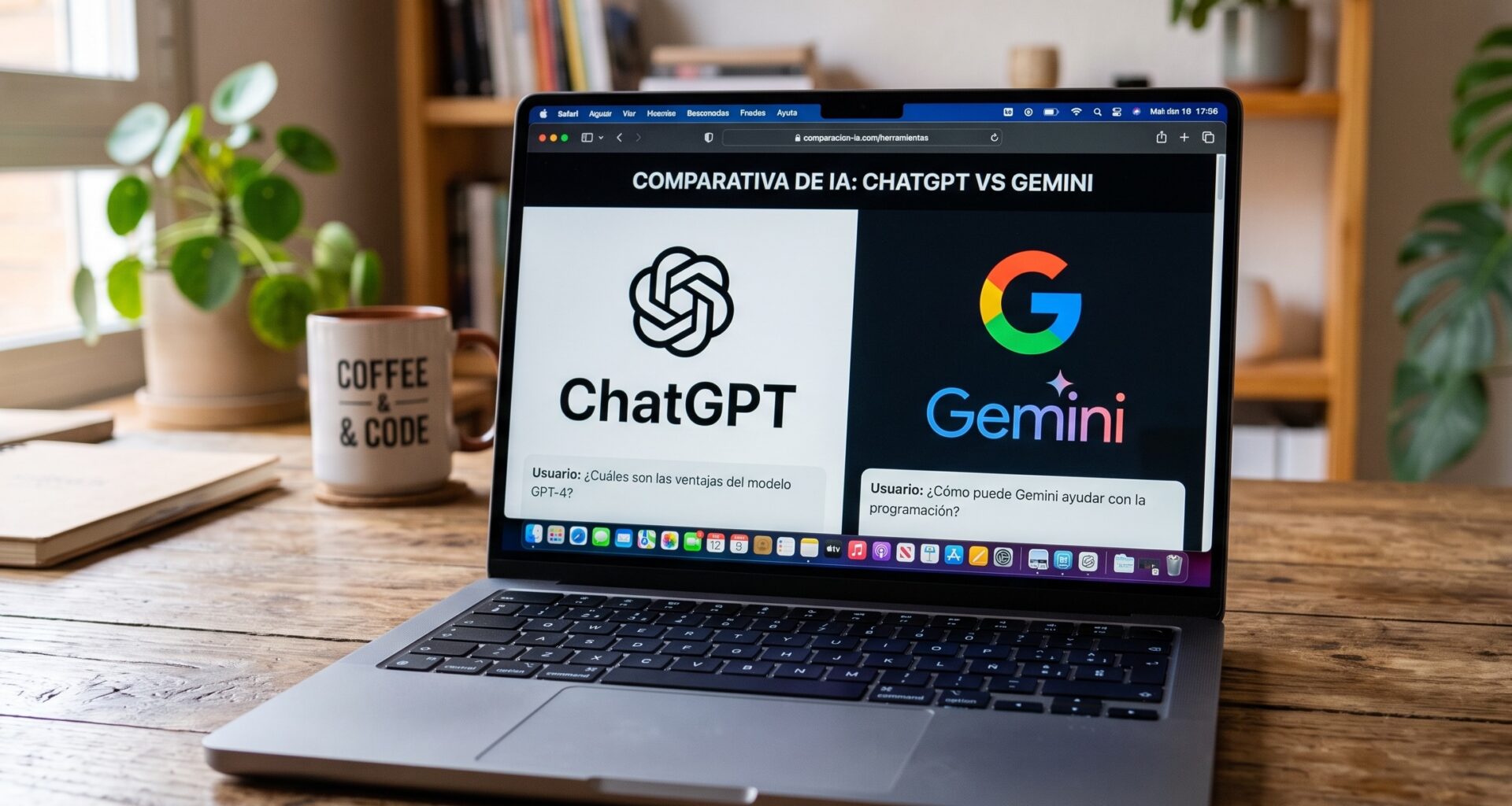

Artificial intelligence has become an essential tool for every iOS Developer working with Swift, SwiftUI, and Xcode. Tasks that once required hours of research, debugging, and manual coding can now be completed in minutes thanks to AI-powered programming assistants.
Today, there are many AI solutions available, but not all of them offer the same level of quality for development within Apple’s ecosystem. If you build applications for iPhone, iPad, Mac, or Apple Watch, choosing the best AI for iOS app development can make a significant difference in your productivity.
In this guide, we will analyze the leading artificial intelligence tools for Swift programming, comparing their strengths, weaknesses, and ideal use cases for projects built with SwiftUI and Xcode.
Why Use AI for iOS App Development?
Modern application development requires speed, quality, and adaptability. AI-powered tools help developers:
- Generate code automatically.
- Solve complex bugs.
- Create user interfaces with SwiftUI.
- Learn new Apple APIs.
- Optimize application performance.
- Generate technical documentation.
- Create unit tests.
- Refactor existing code.
For any iOS Developer, AI can become a valuable programming companion capable of significantly accelerating development workflows.
What Should the Best AI for iOS App Development Offer?
Before analyzing the different tools, it is important to understand the features that an AI assistant focused on Swift programming should provide.
Swift Knowledge
The tool should understand the latest versions of Swift, including modern features such as:
- Async/Await
- Actors
- Structured Concurrency
- Macros
- Observation Framework
SwiftUI Compatibility
Most modern Apple applications use SwiftUI to build intuitive and scalable interfaces. A good AI assistant should be capable of generating complex views while following Apple’s best practices.
Xcode Knowledge
Support for Xcode is critical. The AI should understand compiler errors, project configuration, package management, and debugging workflows.
Cross-Platform Support
Many modern applications run across multiple Apple platforms, including:
- iOS
- iPadOS
- macOS
- watchOS
- visionOS
Therefore, the AI should understand platform-specific APIs and differences.
Comparison Table: ChatGPT vs Gemini vs Claude vs Cursor
The following table compares the most popular AI tools available for an iOS Developer.
| Feature | ChatGPT | Gemini | Claude | Cursor |
|---|---|---|---|---|
| Swift Coding Quality | ⭐⭐⭐⭐⭐ | ⭐⭐⭐⭐ | ⭐⭐⭐⭐⭐ | ⭐⭐⭐⭐⭐ |
| SwiftUI Code Generation | ⭐⭐⭐⭐⭐ | ⭐⭐⭐⭐ | ⭐⭐⭐⭐⭐ | ⭐⭐⭐⭐⭐ |
| Direct IDE Integration | ⭐⭐⭐ | ⭐⭐⭐ | ⭐⭐⭐ | ⭐⭐⭐⭐⭐ |
| Debugging Assistance | ⭐⭐⭐⭐⭐ | ⭐⭐⭐⭐ | ⭐⭐⭐⭐⭐ | ⭐⭐⭐⭐⭐ |
| Large Project Context Handling | ⭐⭐⭐⭐ | ⭐⭐⭐⭐ | ⭐⭐⭐⭐⭐ | ⭐⭐⭐⭐⭐ |
| Daily Productivity | ⭐⭐⭐⭐⭐ | ⭐⭐⭐⭐ | ⭐⭐⭐⭐⭐ | ⭐⭐⭐⭐⭐ |
| Ease of Use | ⭐⭐⭐⭐⭐ | ⭐⭐⭐⭐⭐ | ⭐⭐⭐⭐ | ⭐⭐⭐⭐ |
| Beginner Friendly | ⭐⭐⭐⭐⭐ | ⭐⭐⭐⭐⭐ | ⭐⭐⭐⭐ | ⭐⭐⭐ |
ChatGPT: The Current Benchmark for Apple Developers
ChatGPT has become one of the most widely used AI tools among software developers worldwide.
Its main advantage is its ability to understand complex code and generate complete solutions using Swift, SwiftUI, and Apple frameworks.
Advantages of ChatGPT
- Excellent knowledge of Swift programming.
- Fast SwiftUI interface generation.
- Detailed step-by-step explanations.
- Assistance with MVVM architecture.
- Unit test generation.
- Code refactoring support.
Practical Example
A developer can request:
“Create a task management application using SwiftUI and local data persistence.”
The AI can generate:
- Models
- Views
- ViewModels
- Persistence layer
- Navigation structure
All of these components can be integrated directly into Xcode.
When to Use ChatGPT
ChatGPT is an excellent choice for:
- Learning SwiftUI
- Solving technical challenges
- Rapid prototyping
- Generating documentation
Gemini: Google’s AI for Software Development
Gemini has evolved significantly and now offers solid performance for mobile application development.
Although its primary focus is not Apple’s ecosystem, it can still assist effectively with Swift programming tasks.
Advantages of Gemini
- Fast responses.
- Strong algorithm understanding.
- Excellent documentation generation.
- Multimodal capabilities.
Disadvantages
- Less accurate with Apple-specific APIs.
- Some responses require additional verification.
Best Use Cases
Gemini is particularly useful for:
- Technical research.
- Theoretical explanations.
- Technology comparisons.
- Software architecture discussions.
For an iOS Developer, it works well as a complementary tool alongside more specialized AI assistants.
Claude: One of the Best AI Tools for Large Projects
Claude has earned a strong reputation among professional developers because of its ability to handle extremely large contexts.
This is especially valuable when working on large applications built with Swift and SwiftUI.
Advantages of Claude
- Excellent contextual understanding.
- Strong reasoning capabilities.
- Advanced refactoring assistance.
- Detailed technical explanations.
Why Claude Excels in Swift Development
Many developers use Claude for:
- Code reviews.
- MVVM architecture analysis.
- Clean Architecture implementations.
- Dependency management.
- Performance optimization.
Practical Example
If you provide thousands of lines of code from a large Xcode project, Claude often maintains context more effectively than many competing tools.
This allows it to identify architectural issues and hidden bugs that other assistants might miss.
Cursor: The AI Built for Coding
While ChatGPT, Gemini, and Claude are general-purpose AI assistants, Cursor was specifically designed for software development.
Today, many developers consider Cursor one of the most productive tools available for working with Swift.
What Makes Cursor Different?
Cursor works directly with your project’s source code.
It can:
- Read multiple files.
- Understand the entire project structure.
- Make automatic modifications.
- Generate new features.
Advantages for Apple Developers
An iOS Developer can ask:
“Add Sign in with Apple authentication.”
Cursor can analyze the project and implement the required changes across multiple files.
Integration into Development Workflows
Cursor is particularly powerful for:
- Large applications.
- Development teams.
- Enterprise projects.
- Large-scale refactoring efforts.
How to Use These AI Tools with Xcode
One of the most effective approaches is combining multiple AI tools.
Step 1: Design the Application
Use ChatGPT or Claude to define:
- Features.
- Architecture.
- Data models.
Step 2: Generate Initial Code
Ask the AI to create the foundational structure using SwiftUI.
For example:
- Screens.
- Navigation.
- ViewModels.
- Services.
Step 3: Implement in Xcode
Import the generated code into Xcode.
Then:
- Build the project.
- Fix warnings.
- Configure dependencies.
Step 4: Optimize
Use Claude or Cursor to:
- Detect issues.
- Eliminate duplication.
- Improve performance.
Step 5: Create Tests
Modern AI tools can generate:
- Unit Tests.
- UI Tests.
- Test scenarios.
This dramatically accelerates the testing process.
AI and SwiftUI: A Powerful Combination
The introduction of SwiftUI has simplified user interface development, but it has also introduced many new concepts and components that developers must learn.
Modern AI assistants are particularly useful for:
- NavigationStack
- TabView
- Sheets
- Alerts
- Observable
- State
- Bindings
- AsyncImage
Additionally, they can generate complete interfaces while following Apple’s latest recommendations.
Tips for Getting Better Results
Be Specific
Instead of asking:
“Build an app.”
Try:
“Create an iOS application using SwiftUI, MVVM architecture, and SwiftData for persistence.”
Provide Context
The more context the AI receives, the better the output will be.
Break Large Tasks into Smaller Requests
Smaller prompts often produce more accurate and maintainable code.
Always Review the Generated Code
Although AI is extremely powerful, developers should always validate code before deploying it to production.
Which Is the Best AI for iOS App Development?
The answer depends on your needs.
If you are looking for a versatile solution for learning, coding, and solving Swift programming challenges, ChatGPT remains one of the most balanced options available.
If your projects involve large codebases and extensive context, Claude is an outstanding choice.
For developers seeking deep integration with source code and development workflows, Cursor is arguably the most productive option currently available.
Gemini, meanwhile, is particularly useful for research, documentation, and technical exploration.
Conclusion
Artificial intelligence is now an integral part of the daily workflow of every iOS Developer. Tools such as ChatGPT, Gemini, Claude, and Cursor can dramatically accelerate the development of applications for iPhone, iPad, Mac, and Apple Watch.
There is no single answer to which solution is the best AI for iOS app development, since each platform excels in different areas. However, all of them can significantly improve productivity when building applications with Swift, SwiftUI, and Xcode.
As artificial intelligence continues to evolve, its integration into Swift programming workflows will become even deeper, making AI an indispensable component of modern iOS, macOS, and watchOS development.