
Building applications for Apple platforms—iOS, macOS, watchOS, and visionOS—has never been more powerful or more complex. With Swift and SwiftUI, developers can create fast, safe, and expressive apps, but productivity challenges remain as projects scale.
This is where artificial intelligence (AI) assistants for Xcode are redefining the development workflow.
Modern AI tools can:
- Generate Swift and SwiftUI code
- Autocomplete complex views
- Explain compiler errors
- Refactor legacy code
- Improve app architecture
- Speed up UI prototyping
In this article, we analyze the best AI assistants for Xcode in 2025, focusing on real-world use cases for Swift and SwiftUI developers.
Why Use an AI Assistant for Xcode?
Before diving into the tools, let’s clarify why AI matters for Apple developers.
Key Benefits of AI in Swift Development
- ⏱ Faster development cycles
- 🧩 Fewer syntax and logic errors
- 📐 Better SwiftUI architecture
- 📚 Instant explanations and learning
- 🔁 Reduced boilerplate code
AI does not replace developers—it amplifies productivity and decision-making.
1. GitHub Copilot for Xcode
Best for: AI-powered code completion and productivity
GitHub Copilot is one of the most popular AI coding assistants worldwide. Powered by large language models, it provides context-aware code suggestions directly as you type.
Why GitHub Copilot Works Well with Swift & SwiftUI
- Predicts full Swift functions and closures
- Generates SwiftUI views and modifiers
- Suggests data models and enums
- Converts comments into working code
As Xcode support improves, Copilot is becoming a strong option for Apple developers who want real-time AI assistance inside their IDE.
Pros
- High-quality, idiomatic Swift code
- Excellent for repetitive tasks
- Supports multiple AI models
Cons
- Paid subscription required
- Needs good context to avoid generic output
✅ Recommended for: professional iOS/macOS developers focused on speed and efficiency.
2. ChatGPT for Swift and SwiftUI Development
Best for: learning, architecture, and problem-solving
ChatGPT is not just a code generator—it’s a conversational AI partner for developers.
While not native to Xcode, ChatGPT integrates easily via plugins, APIs, or side-by-side workflows.
How Developers Use ChatGPT with Xcode
- Generate SwiftUI views from descriptions
- Debug compiler and runtime errors
- Explain async/await, Combine, and concurrency
- Design MVVM and clean architectures
- Write unit tests and documentation
Pros
- Excellent explanations and reasoning
- Ideal for learning SwiftUI concepts
- Great for architectural guidance
Cons
- Manual integration with Xcode
- Requires copy/paste in most setups
✅ Recommended for: developers who value understanding why code works, not just writing it faster.
3. Parsaa – AI Built Specifically for Xcode
Best for: deep Xcode integration and privacy
Parsaa is an AI assistant designed exclusively for Xcode and Swift. Unlike general-purpose tools, it focuses entirely on Apple development workflows.
Key Features
- Chat directly with your project code
- Automatic error fixing and refactoring
- Generate unit tests and documentation
- Support for local AI models (offline & private)
This makes Parsaa especially attractive for teams handling sensitive or proprietary code.
Pros
- Tailored for Swift and Xcode
- Strong privacy controls
- Real IDE-level integration
Cons
- Still evolving
- Smaller ecosystem than Copilot or ChatGPT
✅ Recommended for: advanced Apple developers and teams needing tight Xcode integration and data control.
4. SwiftSage – SwiftUI Code Generation from Text
Best for: rapid SwiftUI prototyping
SwiftSage focuses on one thing: turning natural language into Swift and SwiftUI code.
Describe a UI, and SwiftSage generates a ready-to-use SwiftUI view.
Common Use Cases
- Prototyping app screens
- Generating SwiftUI layouts
- Rapid iteration on UI ideas
Pros
- Excellent for designers and startups
- Speeds up early-stage development
- Clean, readable SwiftUI code
Cons
- Not embedded in Xcode
- Requires manual integration
✅ Recommended for: fast UI prototyping and early product validation.
5. XcodeGPT – Free AI Assistant for Swift Developers
Best for: budget-friendly AI support
XcodeGPT is a free or low-cost AI assistant designed specifically for Swift and SwiftUI developers.
What It Can Do
- Suggest Swift code improvements
- Detect syntax and logic errors
- Answer questions about UIKit and SwiftUI
- Optimize existing code
Pros
- Free or affordable
- Simple to use
- Built for Xcode users
Cons
- Less powerful than premium tools
- Output quality varies with context
✅ Recommended for: beginners or developers experimenting with AI in Xcode.
6. Complementary AI Tools for Swift Development
Beyond full assistants, several AI tools can enhance specific parts of your workflow.
Codeium
- Free AI autocomplete
- Useful for Swift boilerplate
- Editor-agnostic
Tabnine
- AI-powered code prediction
- Reduces repetitive coding
- Works alongside Xcode
Trace
- Generates full SwiftUI components
- Ideal for modular UI development
Compot – AI for SwiftUI
- iPad-based SwiftUI assistant
- Component-driven learning
- Great for design-focused developers
7. Native AI Features in Xcode
Apple is gradually introducing AI-powered features directly into Xcode, including:
- Smarter code completion
- Context-aware suggestions
- Code generation from comments
- AI-assisted refactoring
While still evolving, native AI in Xcode signals a future where AI becomes a standard part of Apple development.
How to Choose the Best AI Assistant for Xcode
Ask Yourself:
- Do I want native Xcode integration?
- Is my priority speed, learning, or UI design?
- Do I need privacy and local models?
- What’s my budget?
Quick Recommendation Guide
| Goal | Best Tool |
|---|---|
| Fast coding | GitHub Copilot |
| Learning & debugging | ChatGPT |
| Xcode-native AI | Parsaa |
| SwiftUI prototyping | SwiftSage |
| Free option | XcodeGPT |
Best Practices for Using AI in Swift & SwiftUI
- ✅ Always review AI-generated code
- ✅ Use AI as a co-pilot, not an autopilot
- ✅ Add unit tests for generated logic
- ✅ Learn patterns instead of copying blindly
AI works best when paired with strong Swift fundamentals.
Conclusion: AI Is the Future of Xcode Development
AI assistants are no longer optional—they are becoming essential tools for modern Swift and SwiftUI development.
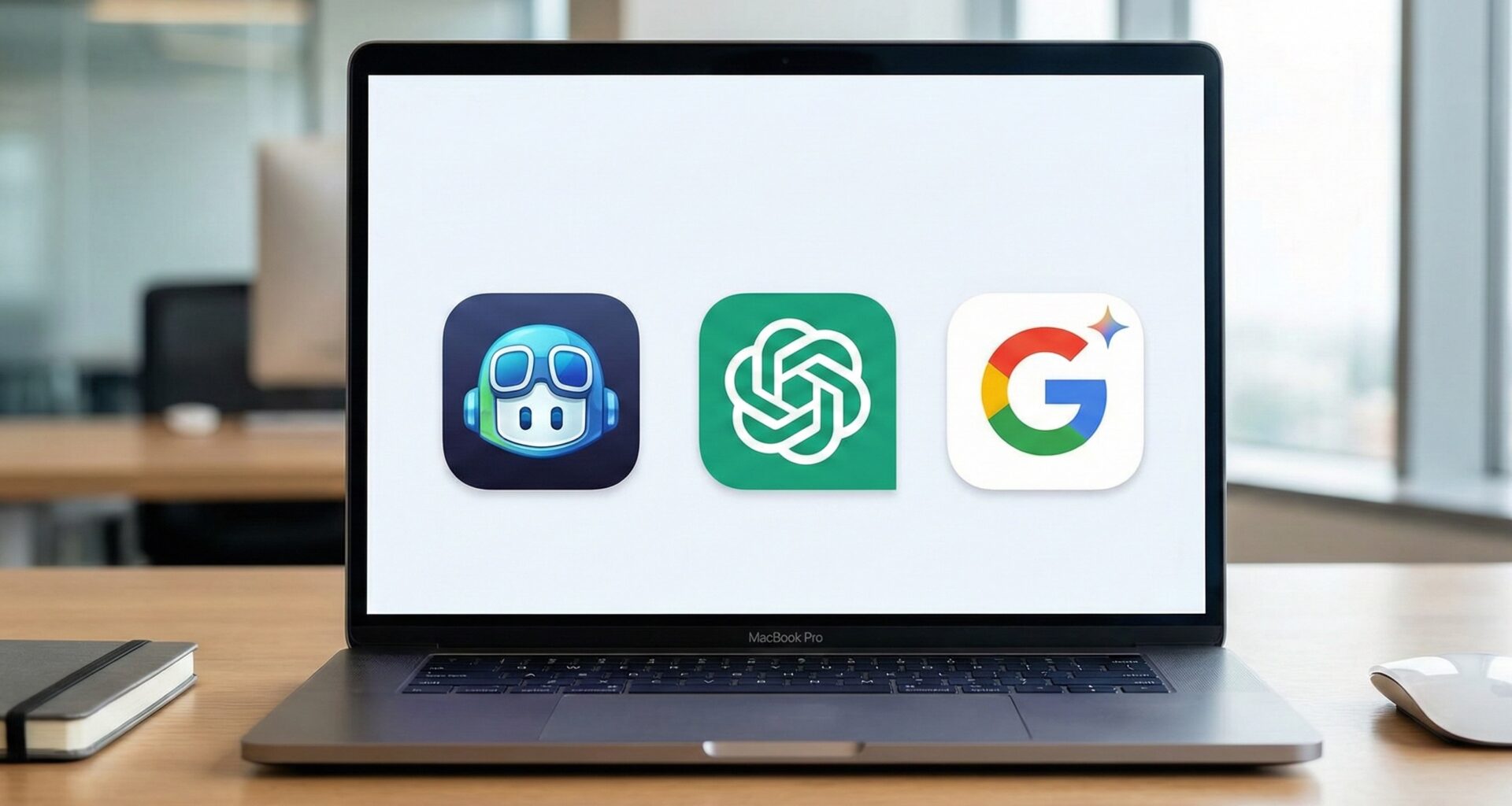
Whether you choose GitHub Copilot for speed, ChatGPT for understanding, or Parsaa for deep Xcode integration, the right AI assistant can dramatically improve your productivity and code quality.
Used correctly, AI doesn’t replace developers—it empowers them.