



Software development for the Apple ecosystem has undergone several metamorphoses over the decades. We moved from the verbosity of Objective-C to the elegance of Swift, yet the way we built our User Interfaces (UI) remained relatively static with UIKit and AppKit for a long time. That is, until 2019 arrived.
The release of SwiftUI wasn’t just an update; it was a paradigm shift. Six years later, the question is no longer “Is SwiftUI ready for production?”, but rather “Why are you still putting off learning it?”.
In this article, we will break down the technical, strategic, and market reasons why learning SwiftUI is the best time investment you can make as a mobile developer.
1. The Declarative Paradigm: Less Code, More Clarity
If you come from UIKit (or traditional Android/Web development), you are used to the imperative style. In that model, you are the micro-manager of the interface: “Create a button, place it at these coordinates, if the user taps here change the background color to red, and make sure to update the label…”
SwiftUI uses a declarative approach. Instead of describing step-by-step how to achieve a result, you simply describe what you want to achieve.
The Key Difference: Instead of manually manipulating the DOM or views, you declare: “The interface is a list of elements based on this array.” When the array changes, the interface updates itself.
This drastically reduces the amount of “boilerplate” code. What might require a ViewController, a UITableViewDataSource, a UITableViewDelegate, and custom cells in UIKit, is reduced to a few lines of readable code in SwiftUI. Less code invariably means a smaller surface area for bugs.
2. Development Speed: Real-Time Preview
One of the biggest headaches in traditional native development was the feedback loop. You made a change to a button’s color, compiled, waited for the simulator to boot up, navigated to the specific screen, and verified the change. If you didn’t like it, you repeated the process.
SwiftUI introduced the Canvas and Previews.
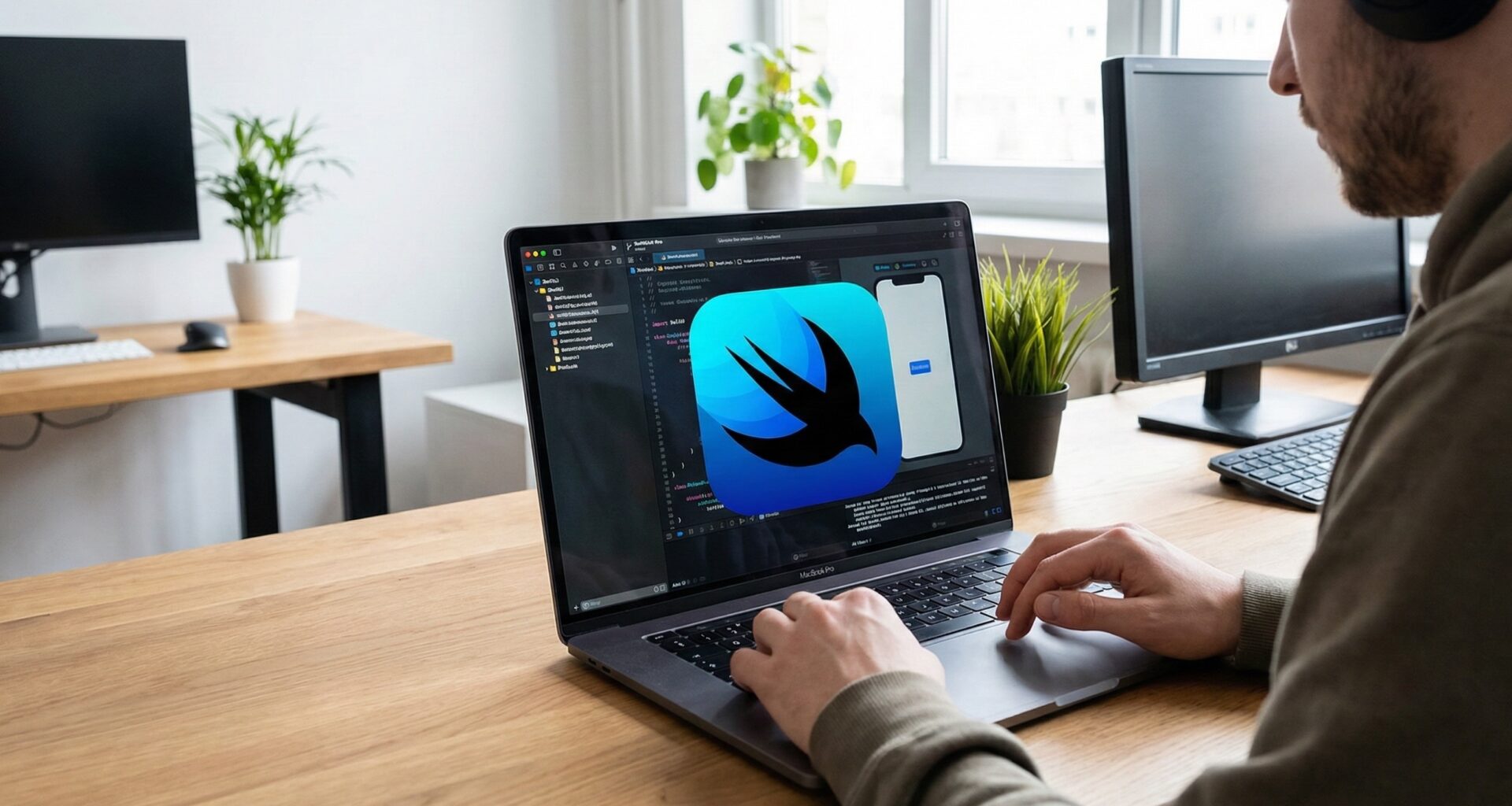
Thanks to Swift’s dynamic nature, you can see the changes you write in code reflected instantly in a side panel. Not only that, but you can also have multiple previews active simultaneously:
- One for Light Mode and another for Dark Mode.
- One with giant fonts (Dynamic Type) to test accessibility.
- One on an iPhone SE and another on an iPad Pro.
This visual iteration capability accelerates interface design in a way that Storyboards or XIBs never could.
3. One Tool for the Entire Ecosystem (and Beyond)
Apple has an ecosystem that is fragmented in hardware but unified in software. Previously, developing for Mac required knowing AppKit; for iOS, UIKit; and for Apple Watch, WatchKit. They were sibling frameworks, but distinct.
SwiftUI is the great unifier. The code you write for a list (List) on an iPhone works automatically on macOS, adapting to the mouse and keyboard, and on watchOS, adapting to the Digital Crown.
The Vision Pro Factor
Perhaps the strongest argument for the future is visionOS. Apple’s spatial computing is fundamentally built upon SwiftUI. If you want to create applications for Apple Vision Pro that feel native—with depth, shadows, and glass materials—SwiftUI is not optional; it is the native language of this new platform.
4. State Management: The Source of Truth
One of the most common errors in frontend development is the desynchronization between data and the view. The user sees “0 messages,” but the database says there are 3. This happens when we manage the UI and the data separately.
SwiftUI enforces a unidirectional and reactive data flow architecture using Property Wrappers such as:
@State@Binding@Environment@Observable(with Swift macros)
In SwiftUI, the view is a function of its state. If the data changes, the view re-renders automatically. You don’t have to remember to call label.text = newValue. The system does it for you. This eliminates an entire category of state synchronization bugs.
5. “Magical” Animations and Design
Remember how difficult it was to make a fluid, interruptible animation in UIKit? You had to deal with animation curves, durations, and completion blocks.
In SwiftUI, animating a change is often as simple as adding the .animation(.default) modifier or wrapping a state change in a withAnimation block. The framework calculates the interpolations between State A and State B (position, opacity, size, color) and renders a smooth transition at 120Hz on ProMotion devices.
Furthermore, SwiftUI comes with Dark Mode and Accessibility support out of the box. Standard controls are already optimized for screen readers (VoiceOver), allowing you to create inclusive apps with minimal effort.
6. Interoperability: It’s Not All or Nothing
The fear of adopting new technology when you have a massive UIKit codebase is understandable. The good news is that Apple designed SwiftUI to be incremental.
- You can use UIKit components inside SwiftUI using
UIViewRepresentable. - You can embed SwiftUI views inside UIKit controllers using
UIHostingController.
This means you don’t need to rewrite your app from scratch. You can start using SwiftUI for new features or settings screens, while maintaining the legacy core until you are ready to migrate it.
7. Job Market Demand
Finally, let’s talk about your career. In 2019, asking for SwiftUI in a job listing was a curiosity. Today, it is a standard requirement for Junior and Mid-level positions, and a “must” for iOS software architects.
Modern tech companies prefer to start new projects (“greenfield projects”) in SwiftUI due to the development speed and lower maintenance costs. Even large corporations with massive apps are gradually migrating their components. Mastering SwiftUI positions you at the forefront of mobile development and makes you a much more attractive candidate.
Conclusion: The Time is Now
SwiftUI is no longer a “beta” or experimental technology. It has matured through several iterations (iOS 13 through iOS 18+), gaining stability, new navigation components, and robust performance.
Learning SwiftUI allows you to:
- Write less code to do more.
- Design faster with live previews.
- Deploy across the entire Apple ecosystem (including Vision Pro).
- Forget about data synchronization issues.
The learning curve might seem steep at first if you come from imperative programming, as it requires a “mindset shift.” But once it clicks, going back will feel archaic.
The future of development at Apple is declarative.