

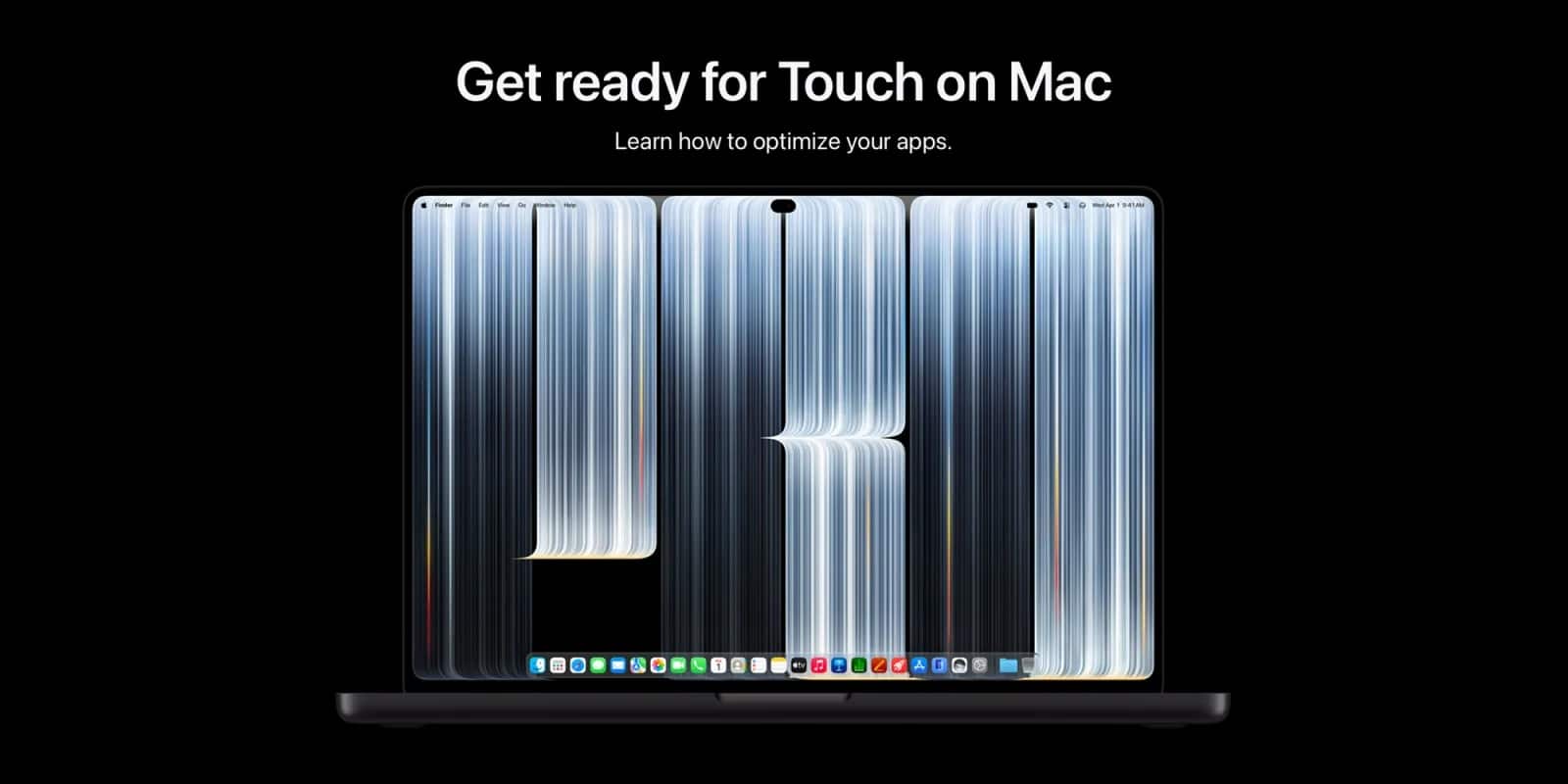

Apple has taken an important step towards the future of Mac app development by publishing a new collection of developer resources dedicated to touchscreen Macs. Through its official Apple Developer website, the company has introduced a dedicated section explaining how developers can adapt existing applications and create new experiences for the touchscreen MacBook Pro.
The new resources are particularly interesting for every iOS Developer working with Apple’s ecosystem, as they provide practical guidance on bringing touch-based interactions to macOS applications.
Developers can access all the available materials directly through Apple’s official portal:
Tutorials for touchscreen MacBook Pro
1. Apple Introduces Touch on Mac Developer Resources
The new Touch on Mac initiative provides developers with technical guidance and video tutorials covering the main aspects of touchscreen application development.
Apple has published three main video sessions:
- Bring Touch to your Mac app.
- Design for Touch on Mac.
- Bring Live Activities to Mac.
These resources explore how traditional Mac applications can evolve to support direct touch interactions without sacrificing the familiar desktop experience.
For developers building apps for touchscreen MacBook Pro, understanding these new interaction possibilities will be essential.
Apple’s objective is to help developers take advantage of touchscreen hardware while maintaining the productivity, flexibility and usability expected from macOS applications.
2. How to Adapt Existing Mac Applications for Touchscreens
One of the most important topics covered in Apple’s tutorials is adapting existing applications to support touch input.
Developers need to rethink how users interact with interface elements. Buttons, menus, sliders and other controls designed primarily for mouse and trackpad interaction may require adjustments to work comfortably with fingers.
Apple explains how developers can transition from traditional mouse-tracking APIs to modern gesture recognizers and touch-native controls.
Some important areas to consider include:
- Increasing the size of interactive elements.
- Improving touch target accuracy.
- Supporting multi-touch interactions.
- Implementing custom gestures.
- Managing conflicts between application gestures and system gestures.
- Optimising scrolling behaviour.
These improvements are particularly important when adapting professional desktop applications.
The goal is not simply to make existing interfaces respond to finger input. It is to create an experience that feels natural on both touchscreen and traditional Mac hardware.
3. Using Swift and SwiftUI for Touchscreen Mac Development
For developers working with Swift and SwiftUI, the transition to touchscreen Mac applications opens up interesting possibilities.
Swift remains a fundamental programming language for building applications across Apple’s platforms. Meanwhile, SwiftUI provides a modern declarative framework for designing interfaces that can adapt to different devices and interaction methods.
Developers should review their existing interface architecture and identify opportunities to improve touch interactions.
For example, SwiftUI applications can benefit from carefully designed interactive components, appropriate spacing and gesture handling.
It is also important to remember that touchscreen support does not mean abandoning keyboard shortcuts, pointer interactions or traditional desktop workflows.
A successful application should provide a consistent experience regardless of how the user chooses to interact with it.
4. Working with Xcode and Apple’s Developer Tools
Xcode remains the central development environment for creating, testing and distributing applications across Apple’s platforms.
Developers should follow Apple’s official documentation and check the availability of the latest SDKs and development tools as the Touch on Mac ecosystem evolves.
The new developer portal also highlights documentation covering gesture recognizers and sample code for supporting drag-and-drop interactions through file promises.
These resources provide a starting point for understanding the technical changes required to bring touch capabilities to existing macOS applications.
For any iOS Developer already familiar with Apple’s development environment, this is a good opportunity to explore how existing skills can be applied to a new category of Mac experiences.
5. Designing a Better Touchscreen User Experience
Technical implementation is only one part of the process. Designing an intuitive interface is equally important.
Apple’s Design for Touch on Mac session explores several important topics, including system gestures, custom interactions, hover behaviour and the expansion of native controls such as sliders, steppers and dials.
Developers should consider the differences between using a finger, a mouse and a keyboard.
For example, hover interactions are useful on traditional computers but cannot be assumed when someone is directly touching the display.
Similarly, interactive elements should have sufficient space to prevent accidental selections.
The best apps for touchscreen MacBook Pro will be those that combine the precision of traditional desktop interfaces with the simplicity and immediacy of touch interactions.
6. Where to Find Apple’s Official Tutorials
Getting started is straightforward.
Visit Apple’s dedicated developer page:
From there, you can watch the available technical sessions, explore the documentation resources and find information about Apple’s Group Labs.
These online sessions offer an additional opportunity to meet Apple engineers and designers, ask technical questions and discuss the challenges of adapting applications for Touch on Mac.
Some additional tools and documentation resources are also being introduced progressively.
Conclusion: A New Opportunity for Apple Developers
The arrival of touchscreen capabilities on Mac represents an exciting development for Apple’s software ecosystem.
With these new tutorials, Apple is giving developers an early opportunity to understand the design principles, technical requirements and interaction patterns involved in building applications for touchscreen Macs.
Whether you are an experienced iOS Developer, a macOS engineer or someone starting to explore Swift, SwiftUI and Xcode, now is an excellent time to investigate the possibilities.
The future of apps for touchscreen MacBook Pro will depend not only on adapting existing interfaces but also on discovering entirely new ways for people to interact with their Mac.
Apple has provided the starting point. Now it is up to developers to explore what comes next.