

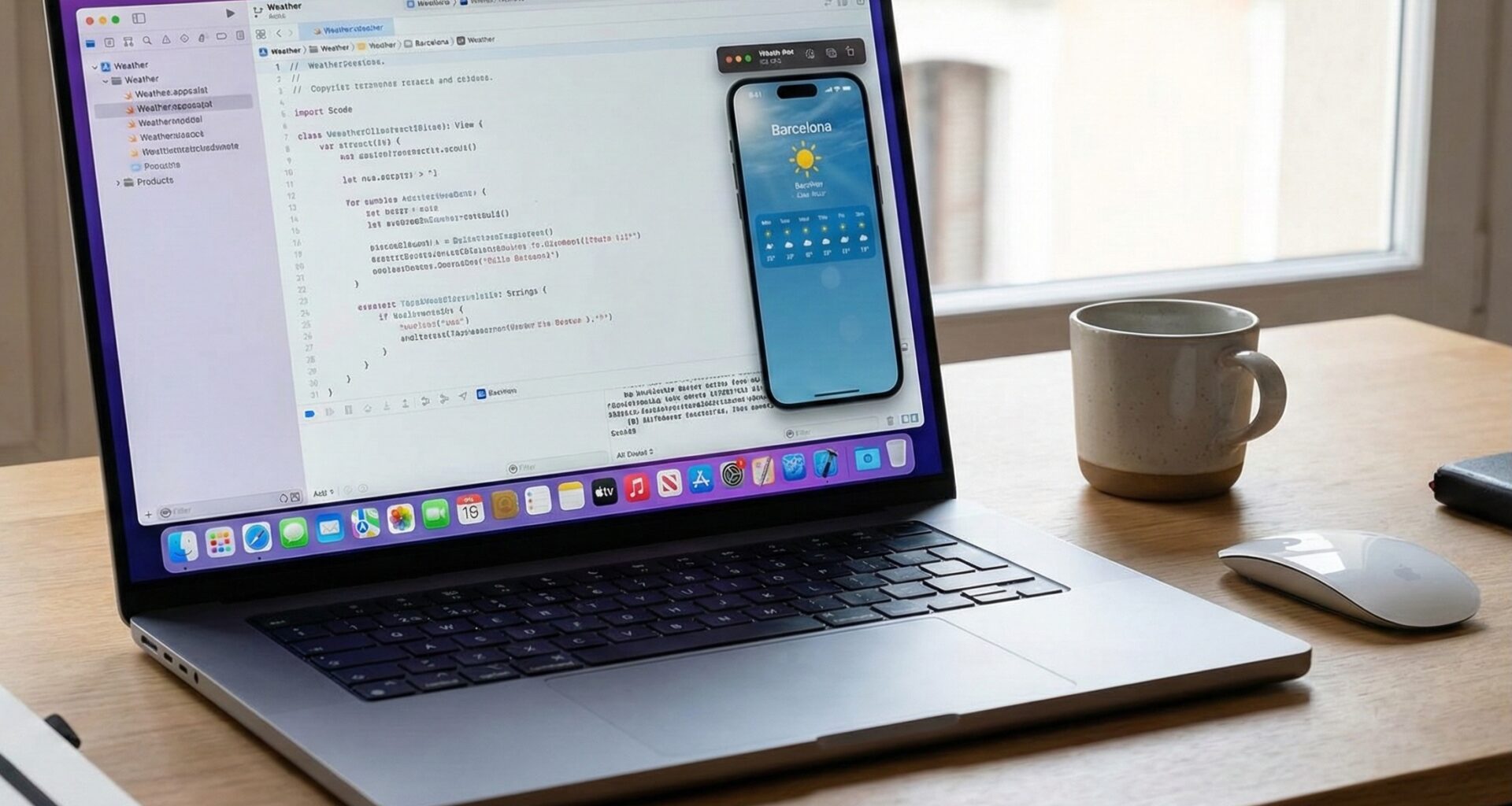

App development in the Apple ecosystem has undergone an unprecedented transformation. Long gone are the days of spending hours linking Storyboards and IBOutlets in Xcode. Today, the gold standard is SwiftUI, a declarative framework that has completely changed the game. However, with this new way of building visual interfaces comes one of the biggest headaches for any iOS Developer: state management and data lifecycle.
At the heart of modern and reactive Swift programming are Property Wrappers. While @State and @Binding are fantastic for simple values (value types like String or Int), when our apps grow and we need to use more robust architectures with classes (reference types), we enter the territory of ObservableObject.
In this extensive tutorial, we will thoroughly break down what @ObservedObject and @StateObject in SwiftUI are, their similarities, their critical differences, and how to master their use in Xcode to build flawless apps across iOS, macOS, and watchOS.
1. The Foundation: Understanding ObservableObject
Before diving into the difference between @ObservedObject and @StateObject in SwiftUI, we must understand the foundation on which both operate: the ObservableObject protocol.
In Swift programming, views in SwiftUI are structs (value types). This means they are incredibly lightweight and efficient, but also ephemeral. The SwiftUI engine destroys and recreates these views dozens of times per second as the interface changes.
When you need to store complex business logic, connect to a database, or make API calls, you cannot put that code directly into an ephemeral view. You need a class (class, a reference type) that survives these redraws. This is where ObservableObject comes in.
import SwiftUI
import Combine

class UserProfileViewModel: ObservableObject {
    @Published var username: String = "Guest"
    @Published var followerCount: Int = 0

    func fetchUserData() {
        // We simulate a network call in Swift
        DispatchQueue.main.asyncAfter(deadline: .now() + 2) {
            self.username = "iOS_Ninja"
            self.followerCount = 1500
        }
    }
}
By conforming our class to ObservableObject and using the @Published wrapper on its properties, we are telling SwiftUI: “Hey, when the value of username or followerCount changes, notify any view that is paying attention so it can redraw itself”.
But how does the view tell SwiftUI that it wants to “pay attention” to this class? That is where our two main characters come in.
2. What is @StateObject in SwiftUI?
Introduced by Apple in iOS 14, macOS 11, and watchOS 7, @StateObject was the answer to a critical design flaw in the early versions of SwiftUI.
@StateObject is used to create and own an instance of an ObservableObject.
When you mark a property with @StateObject, you are guaranteeing to SwiftUI that this view is the absolute “owner” of that object. SwiftUI will take control of that instance’s memory and ensure it stays alive and safe, no matter how many times the view’s struct is destroyed and recreated.
When to use @StateObject?
The golden rule for an iOS Developer is simple: Use @StateObject the first time you instantiate the object. If your view contains the equals sign (=) to create the class, it must be a @StateObject.
struct UserProfileView: View {
    // The view CREATES and OWNS the ViewModel
    @StateObject private var viewModel = UserProfileViewModel()

    var body: some View {
        VStack(spacing: 20) {
            Text("Profile of \(viewModel.username)")
                .font(.largeTitle)

            Text("Followers: \(viewModel.followerCount)")
                .font(.headline)

            Button("Load Data") {
                viewModel.fetchUserData()
            }
        }
        .padding()
    }
}
Key features of @StateObject:
- Ownership and Lifecycle: The object’s lifecycle is tied to the lifecycle of the view on the screen, not the struct itself. If the view permanently disappears from the navigation hierarchy, the object is released from memory.
- Lazy Initialization: SwiftUI only initializes the object the first time the view is rendered.
- Cross-platform safety: It works identically whether you are compiling for the screen of an Apple Watch Series 9 on watchOS, an iPhone 15 on iOS, or a MacBook Pro on macOS using the same Xcode project.
3. What is @ObservedObject in SwiftUI?
@ObservedObject has been around since the birth of SwiftUI (iOS 13). Like its younger sibling, it tells the view to observe changes from an ObservableObject and redraw itself when @Published values change.
However, there is a fundamental difference: @ObservedObject DOES NOT own the object. It only observes it.
When you use @ObservedObject, you are assuming that the object was already created somewhere else (usually by a parent view using @StateObject) and has simply been injected into this view.
When to use @ObservedObject?
You should use it when passing an existing object from one view to another. It is the perfect mechanism for dependency injection in Swift programming.
// Parent View
struct MainAppView: View {
    // 1. The Parent CREATES the object
    @StateObject private var viewModel = UserProfileViewModel()

    var body: some View {
        NavigationView {
            VStack {
                Text("Welcome back")
                // 2. The Parent PASSES the object to the child
                ProfileDetailsView(viewModel: viewModel)
            }
        }
    }
}

// Child View
struct ProfileDetailsView: View {
    // 3. The Child OBSERVES the object it received
    @ObservedObject var viewModel: UserProfileViewModel

    var body: some View {
        VStack {
            Text("User: \(viewModel.username)")
            Button("Update") {
                viewModel.fetchUserData()
            }
        }
    }
}
4. Similarities between @ObservedObject and @StateObject in SwiftUI
For an iOS Developer just starting out in SwiftUI, these two property wrappers might seem identical because, on the surface, they do exactly the same thing:
- Require
ObservableObject: Both can only be used with classes that conform to theObservableObjectprotocol. If you try to use them with astruct, Xcode will throw an immediate compilation error. - Subscribe to
@Published: Both listen for changes in properties marked with@Publishedinside the class. - Trigger redraws (Renders): When a value changes, both
@StateObjectand@ObservedObjectinvalidate thebodyof the current view and force SwiftUI to recalculate the interface to reflect the new data. - Binding support: Both allow extracting “Bindings” (two-way connections) using the
$prefix. For example, you can pass$viewModel.usernameto aTextFieldso the user can edit their name and the model updates automatically.
5. Critical Differences: The Hidden Lifecycle Danger
This is where theory meets practice in Swift programming, and where many developers spend hours debugging weird behavior in Xcode. The difference lies purely in memory retention.
The Classic SwiftUI Bug
Imagine you ignore the golden rule and decide to create an instance using @ObservedObject instead of @StateObject.
struct BuggyView: View {
    // ❌ SERIOUS ARCHITECTURAL ERROR
    @ObservedObject var viewModel = UserProfileViewModel()

    @State private var counter = 0

    var body: some View {
        VStack {
            Text("User: \(viewModel.username)")

            Button("Load User") {
                viewModel.fetchUserData()
            }

            Divider()

            Text("Click counter: \(counter)")
            Button("Increment local counter") {
                // Clicking here redraws the view
                counter += 1
            }
        }
    }
}
What happens here?
- You start the app. The view appears.
- You tap “Load User”. After 2 seconds, the name changes from “Guest” to “iOS_Ninja”. Everything seems to work.
- Then, you tap “Increment local counter”.
- By changing the local state (
counter), SwiftUI decides it needs to redraw the view. - It destroys the old
struct BuggyViewand creates a new one. - When creating the new
struct, it executes the line@ObservedObject var viewModel = UserProfileViewModel()again. - Since
@ObservedObjectdoes not retain the object, it discards the old one (with the name “iOS_Ninja”) and creates a completely new, blank one. - Your interface goes back to showing “Guest”! You have lost all the data and the user is left frustrated.
The Solution
By simply changing that single line to @StateObject, SwiftUI will safely store that model outside the view. When the counter increments and the view redraws, SwiftUI will say: “I already have this object saved in memory, I’m not going to instantiate it again”, and your data will persist flawlessly.
Summary Comparison Table
| Feature | @StateObject |
@ObservedObject |
|---|---|---|
| Main Role | Object creation and ownership. | Observation and dependency injection. |
| Who retains memory? | SwiftUI (The framework keeps it alive). | The view or object that injected it from above. |
| When to use it | When instantiating (= Model()). |
When receiving as a parameter (var model: Model). |
| Impact on view redraw | The object SURVIVES. | The object IS DESTROYED (if instantiated right there). |
| Introduction | iOS 14, macOS 11, watchOS 7 | iOS 13, macOS 10.15, watchOS 6 |
6. Cross-Platform Integration in Xcode
One of the great promises of SwiftUI for an iOS Developer is the ability to use the same Swift programming across different Apple platforms. Handling @ObservedObject and @StateObject in SwiftUI shines in this regard.
Suppose you are building an app to track water intake.
- On iOS: You will have a rich screen with charts. You will use
@StateObjectin the initial view and pass that same model to child views (cards, add buttons) using@ObservedObjector the Environment. - On watchOS: Screen space is minimal. Your main Apple Watch
ContentViewcan reuse exactly the sameWaterTrackerViewModel.swiftfile. You simply instantiate it again with@StateObjectin the watch view and add a wrist-adapted user interface to it. - On macOS: In your Xcode project, you can have a floating window with a hydration task list, using the same wrappers without changing a single logical line of code.
This is the magic of separating state (View Models) from the view. Business logic lives independently, ensuring scalability and code that is easy to maintain and test.
7. The Future: iOS 17 and the @Observable Macro
As a developer, you always have to look ahead. Starting with iOS 17, macOS 14, and watchOS 10, Apple introduced a new paradigm in Swift programming through “Macros”.
With the @Observable macro, the need to use @Published, @StateObject, and @ObservedObject is greatly reduced. With the new system, you simply annotate your class with @Observable and use @State directly in your view, regardless of whether it is a value or reference type.
However, as an iOS Developer, you will deal with codebases that must support iOS 15 or 16 for many years. Mastering @ObservedObject and @StateObject in SwiftUI remains an indispensable skill for any technical interview and for maintaining existing projects in Xcode.
Conclusion
Mastering data state is what separates a novice developer from a solid software architect. By understanding the difference in the memory retention cycle between @ObservedObject and @StateObject in SwiftUI, you can avoid the most common and frustrating bugs in interface rendering.
Remember this simplified rule for Swift programming in Xcode:
- Are you making the object here? Use
@StateObject. - Did someone else make it and lend it to you to look at? Use
@ObservedObject.
If you have any questions about this article, please contact me and I will be happy to help you  . You can contact me on my X profile or on my Instagram profile.