




The Swift programming language, developed by Apple, is designed with a strong focus on clarity, safety, and extensibility. One of the most powerful and elegant features Swift offers to build modular and reusable code is Extensions. Although at first glance they may look like a simple way to add functions, extensions actually transform the way we structure and scale our applications.
In this tutorial, you will learn in depth what extensions in Swift are, what they are used for, how to use them, and why they are one of the most important tools for writing clean, scalable, and professional code in Xcode. We will go through practical examples applied to classes, structures, enumerations, and protocols, and we will see how to get the most out of them in iOS, macOS, and SwiftUI projects.
What Is an Extension in Swift?
An extension in Swift is a language feature that allows you to add new functionality to an existing type without modifying its original source code or subclassing it.
With an extension you can add:
- Methods
- Computed properties
- Initializers
- Protocol conformance
- Subscripts
- Static functions
And the best part is that you can do this even with types you did not create, such as String, Int, Date, UIView, or Color.
The basic syntax of an extension is:
extension TypeName {
    // new functionality here
}
For example:
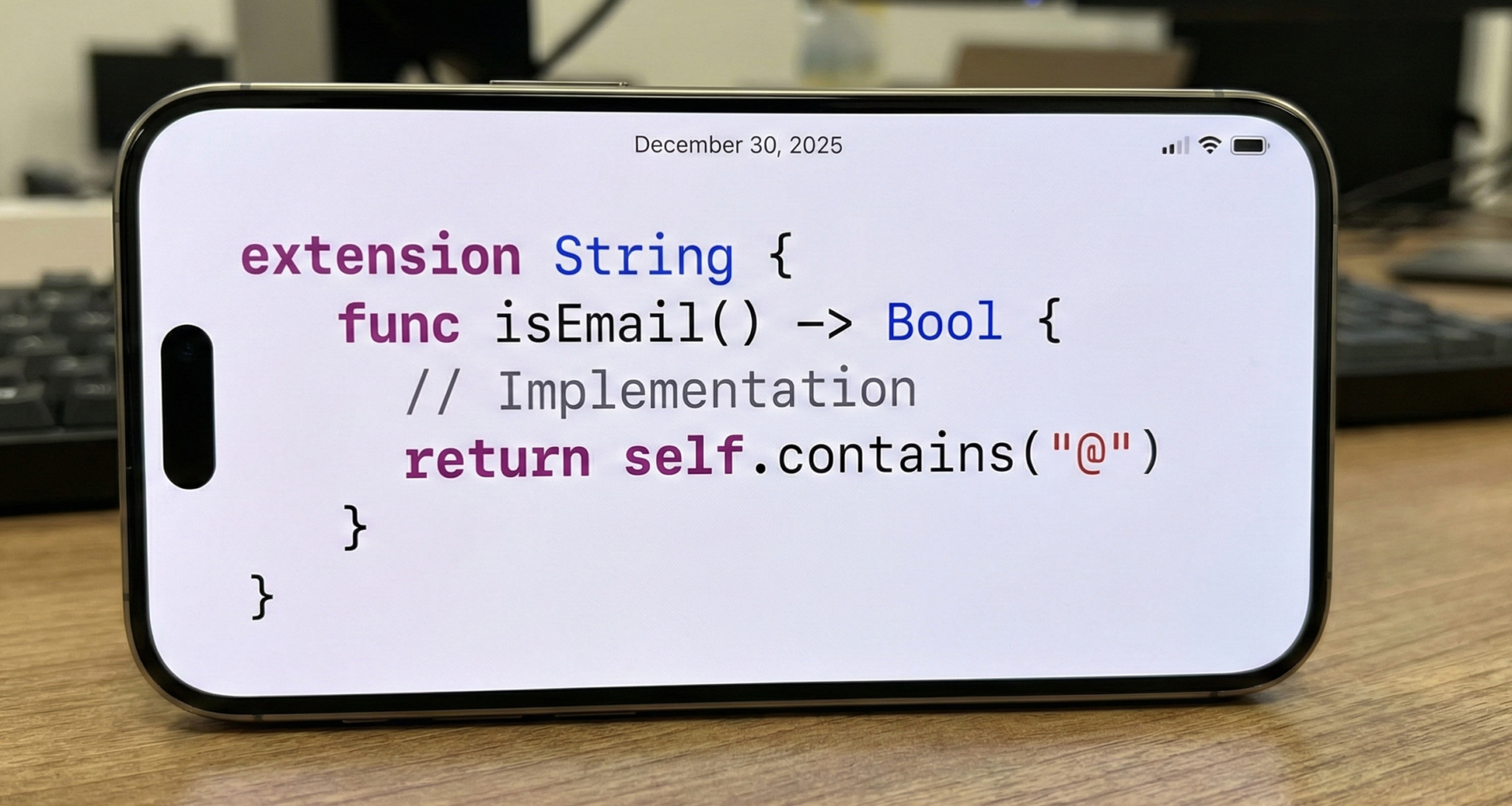
extension String {
    func isEmail() -> Bool {
        return self.contains("@") && self.contains(".")
    }
}
Now any String in your app can use this method:
let email = "antonio@gmail.com"
print(email.isEmail()) // true
Why Do Extensions Exist?
Extensions solve a very common problem in software development: how to add behavior without breaking the original design of a type.
Before Swift, in languages like Objective-C or Java, the only way to add behavior to a class was to:
- Subclass it
- Modify its source code
- Create helper classes
This led to rigid structures, unnecessary dependencies, and very large classes.
Swift breaks this paradigm by allowing behavior to be separated from the type itself through extensions.
Main Advantages of Using Extensions
1. Cleaner code
Extensions allow you to separate responsibilities:
class User { ... }

extension User { // validation }

extension User { // formatting }

extension User { // networking }
This dramatically improves readability and maintainability.
2. Extending native types
You cannot modify String, but you can extend it:
extension String {
    var reversedText: String {
        String(self.reversed())
    }
}
Now:
"Swift".reversedText // "tfiwS"3. They enable protocol-oriented programming
Swift is designed around protocols + extensions instead of deep class hierarchies. This approach is the foundation of modern Swift architecture.
Extensions on Classes
Example:
class User {
    var name: String
    init(name: String) {
        self.name = name
    }
}
We add behavior without touching the class:
extension User {
    func sayHello() {
        print("Hello, my name is \(name)")
    }
}
Usage:
let user = User(name: "Antonio")
user.sayHello()
Extensions on Structs
struct Product {
    let price: Double
}
extension Product {
var formattedPrice: String {
"\(price) €"
}
}Extensions on Enums
enum AppState {
    case loading
    case success
    case error
}
extension AppState {
var description: String {
switch self {
case .loading: return "Loading"
case .success: return "Success"
case .error: return "Error"
}
}
}Extensions on Protocols
protocol Loggable {
    func log()
}
extension Loggable {
func log() {
print("Object logged")
}
}Adding protocol conformance
extension User: Codable { }Extensions in SwiftUI
extension Color {
    static let primaryBackground = Color("PrimaryBackground")
}
Limitations
Extensions cannot:
- Add stored properties
- Override existing methods
- Add new enum cases
But computed properties cover most needs.
Best Practices
- Use extensions to separate responsibilities
- Use one extension per file when possible
- Group by functionality
- Avoid over-fragmentation
Conclusion
Extensions in Swift are one of the most powerful tools in the language. They help you write cleaner, more modular, reusable, and maintainable code. In modern Swift and SwiftUI development, mastering extensions is essential for professional-grade apps.
If you have any questions about this article, please contact me and I will be happy to help you 🙂. You can contact me on my X profile or on my Instagram profile.