



A Step-by-Step Guide for Developers
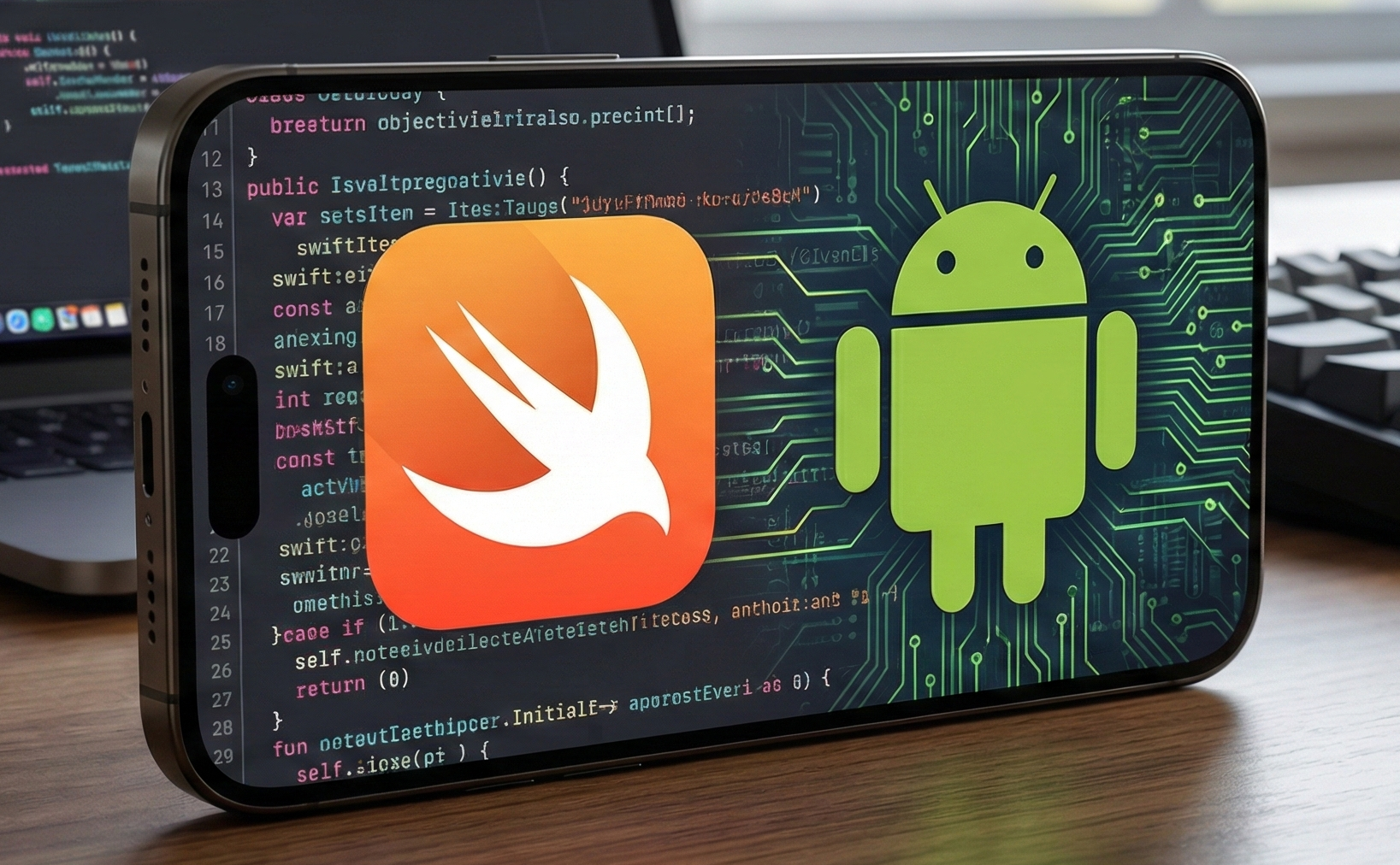
For more than a decade, Swift has been the go-to language for building applications for Apple platforms such as iOS and macOS. In 2025, thanks to the new Swift SDK for Android, this powerful, safe, and high-performance language can now also be used to build Android applications.
This tutorial will take you from initial setup all the way to building and running your first Swift program on Android. We’ll cover installation, cross-compilation, execution on a device or emulator, and what comes next when building full Android apps.
📌 What Is the Swift SDK for Android?
The Swift SDK for Android is a set of tools that allows Swift code to be compiled into native Android binaries. Before this official SDK existed, running Swift on Android required third-party tools and unstable solutions. Now, Swift has first-class Android support backed by the Swift community.
The SDK includes:
- Android-specific Swift libraries
- Toolchains for multiple Android architectures (ARM, x86_64)
- Scripts to integrate Swift with the Android NDK
🧰 Prerequisites
To develop Android apps using Swift, you need:
🖥️ 1. A Development Host
The official SDK supports:
- macOS
- Linux
Windows is not yet fully supported.
📦 2. Required Tools
You will need:
- A Swift toolchain
- Android NDK (Native Development Kit)
- Android SDK and ADB (included in Android Studio)
📥 Step 1 — Install the Swift Toolchain
The easiest way to install Swift is by using swiftly, which manages Swift versions.
Example:
swiftly install main-snapshot-2025-12-17
swiftly use main-snapshot-2025-12-17
swiftly run swift --version
This ensures your Swift compiler matches the Android SDK version.
📦 Step 2 — Install the Swift SDK for Android
Download and install the Android SDK artifact:
swift sdk install https://download.swift.org/development/android-sdk/swift-DEVELOPMENT-SNAPSHOT-2025-12-17-a/swift-DEVELOPMENT-SNAPSHOT-2025-12-17-a_android.artifactbundle.tar.gzVerify installation:
swiftly run swift sdk listou should see the Android SDK listed.
🛠️ Step 3 — Install the Android NDK
The Android NDK provides compilers and linkers for native code.
Example:
mkdir ~/android-ndk
cd ~/android-ndk
curl -fSLO https://dl.google.com/android/repository/android-ndk-r27d-$(uname -s).zip
unzip android-ndk-r27d-*.zip
export ANDROID_NDK_HOME=$PWD/android-ndk-r27d
Then link it to Swift:
cd ~/.swiftpm
./swift-sdks/swift-android/scripts/setup-android-sdk.sh
Now Swift knows where the Android toolchain is.
🧪 Step 4 — Your First Swift Program
Create a simple Swift package:
mkdir hello
cd hello
swiftly run swift package init --type executable
Test locally:
swiftly run swift build
.build/debug/hello
Output:
Hello, world!🤖 Compile for Android
x86_64 (emulators)
swiftly run swift build --swift-sdk x86_64-unknown-linux-android28 --static-swift-stdlibARM64 (real devices)
swiftly run swift build --swift-sdk aarch64-unknown-linux-android28 --static-swift-stdlib📱 Run on Android
Push the binary to a device:
adb push .build/aarch64-unknown-linux-android28/debug/hello /data/local/tmp
adb push $ANDROID_NDK_HOME/toolchains/llvm/prebuilt/*/sysroot/usr/lib/aarch64-linux-android/libc++_shared.so /data/local/tmp
adb shell /data/local/tmp/hello
You’ll see:
Hello, world!Congratulations — you ran Swift on Android!
👉 Building Real Android Apps
To build real apps with UI:
1. Compile Swift as a shared library (.so)
Instead of an executable, build Swift code as a dynamic library.
2. Call Swift from Kotlin or Java
Use:
- JNI (Java Native Interface)
- Or swift-java, which creates type-safe bridges
Your Android UI stays in Kotlin or Java, while business logic runs in Swift.
🧭 Best Practices
✔ Share Swift code between iOS and Android
✔ Use Android API 28+
✔ Join the Swift Android community
❗ Current Limitations
- UI must still be written in Kotlin/Java
- SwiftUI is not available on Android
- The SDK is still in preview
🏁 Conclusion
The Swift SDK for Android makes it possible to:
- Compile Swift for Android
- Run Swift on real devices
- Share business logic between platforms
- Build modern cross-platform apps
Swift is no longer limited to Apple — it’s now a powerful option for Android development too.
If you have any questions about this article, please contact me and I will be happy to help you 🙂. You can contact me on my X profile or on my Instagram profile.